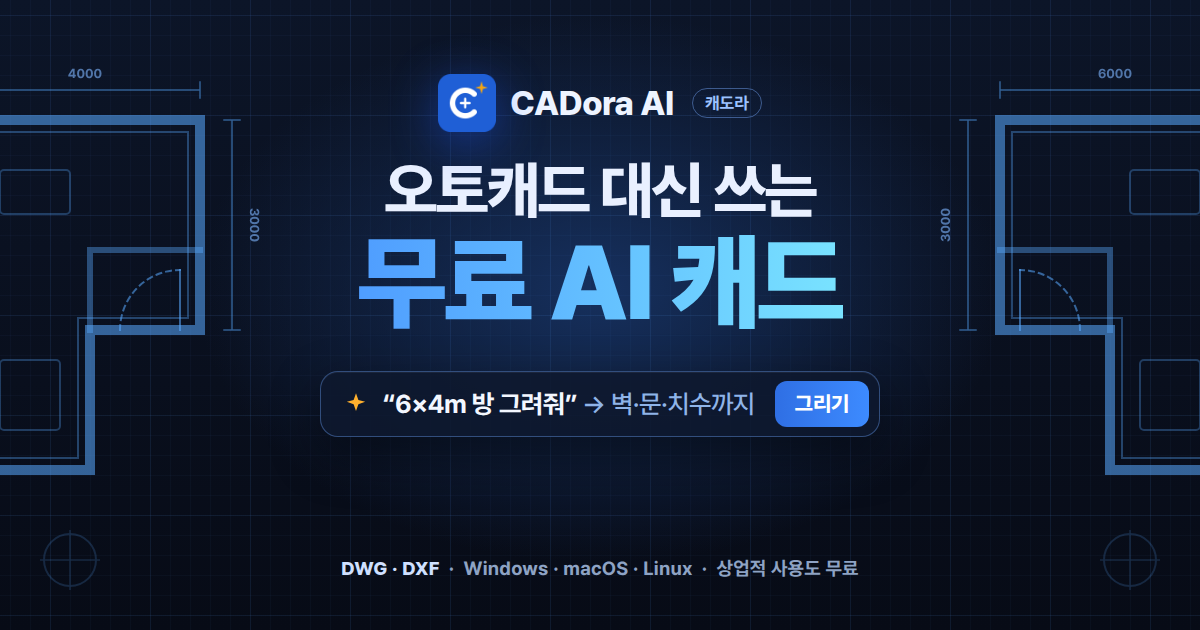
where AI draws what you say
CADora AI is free CAD software you can use instead of expensive paid CAD. Just ask in plain language and AI draws your plan. Matching wall thickness, adding doors, placing dimensions and recoloring layers — the repetitive work ends with a single sentence. It opens and saves DWG and DXF as they are, and if your drawings must not leave the building, you can use a local AI (Ollama) that runs only on your own computer.
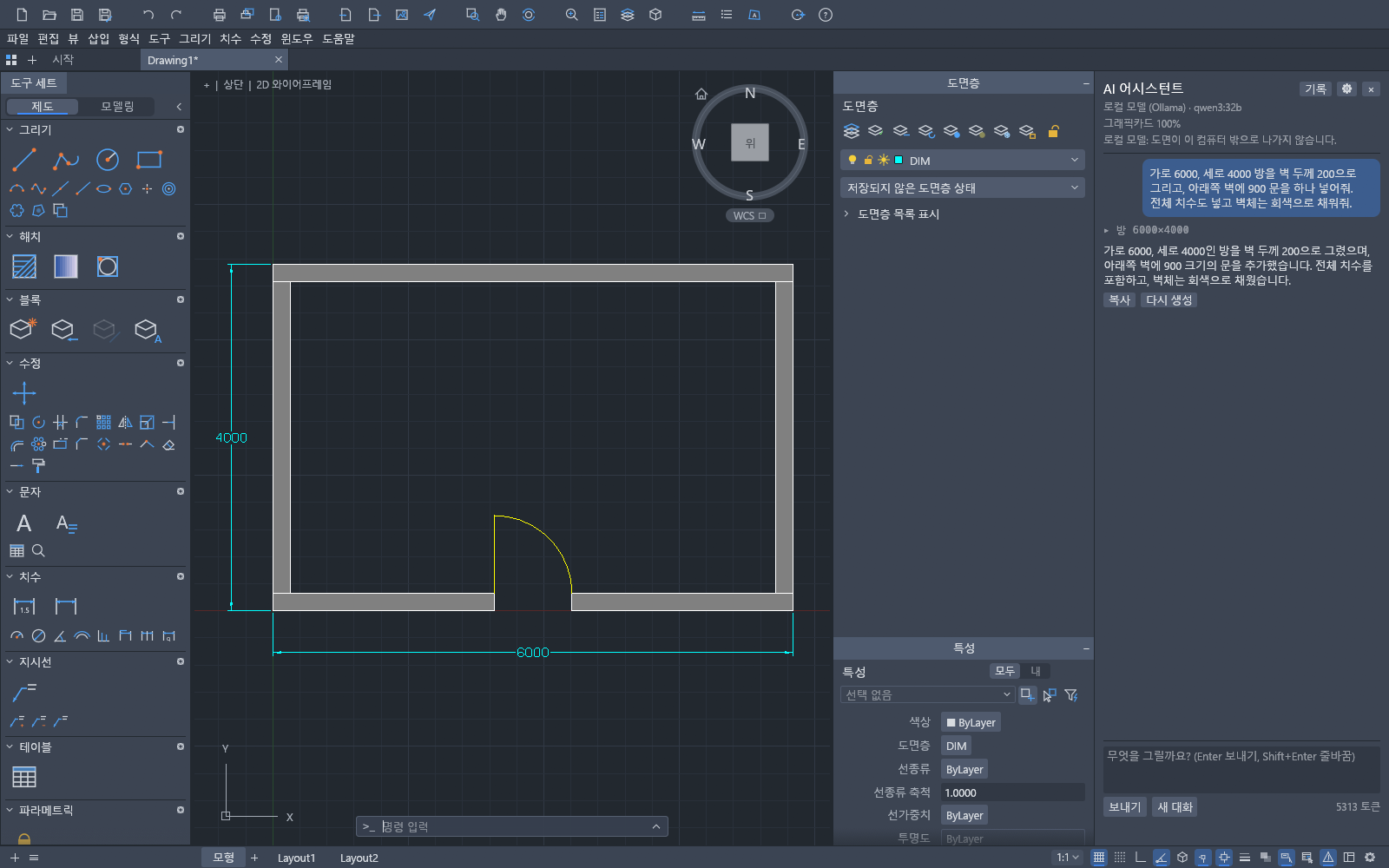
Say it, and the AI draws it
Just type in the AI assistant on the right (Ctrl+J) the way you normally talk. A few seconds later the result appears in the drawing, and progress shows live, such as "Working… step 3".
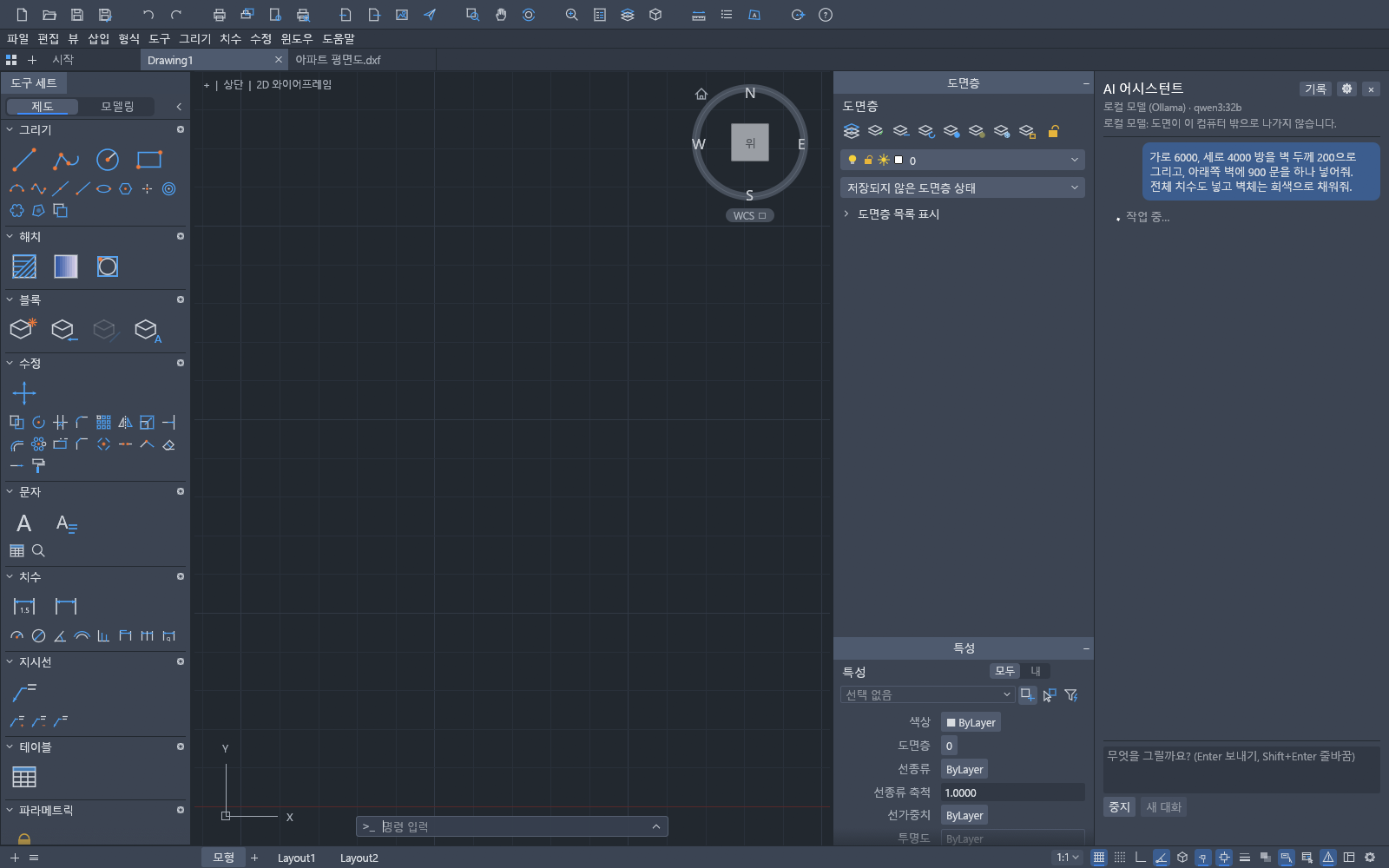
Check it, then apply — or undo in one click
Results from the AI are not committed right away. The new objects are highlighted as a selection, so you preview them and apply only when you like them.
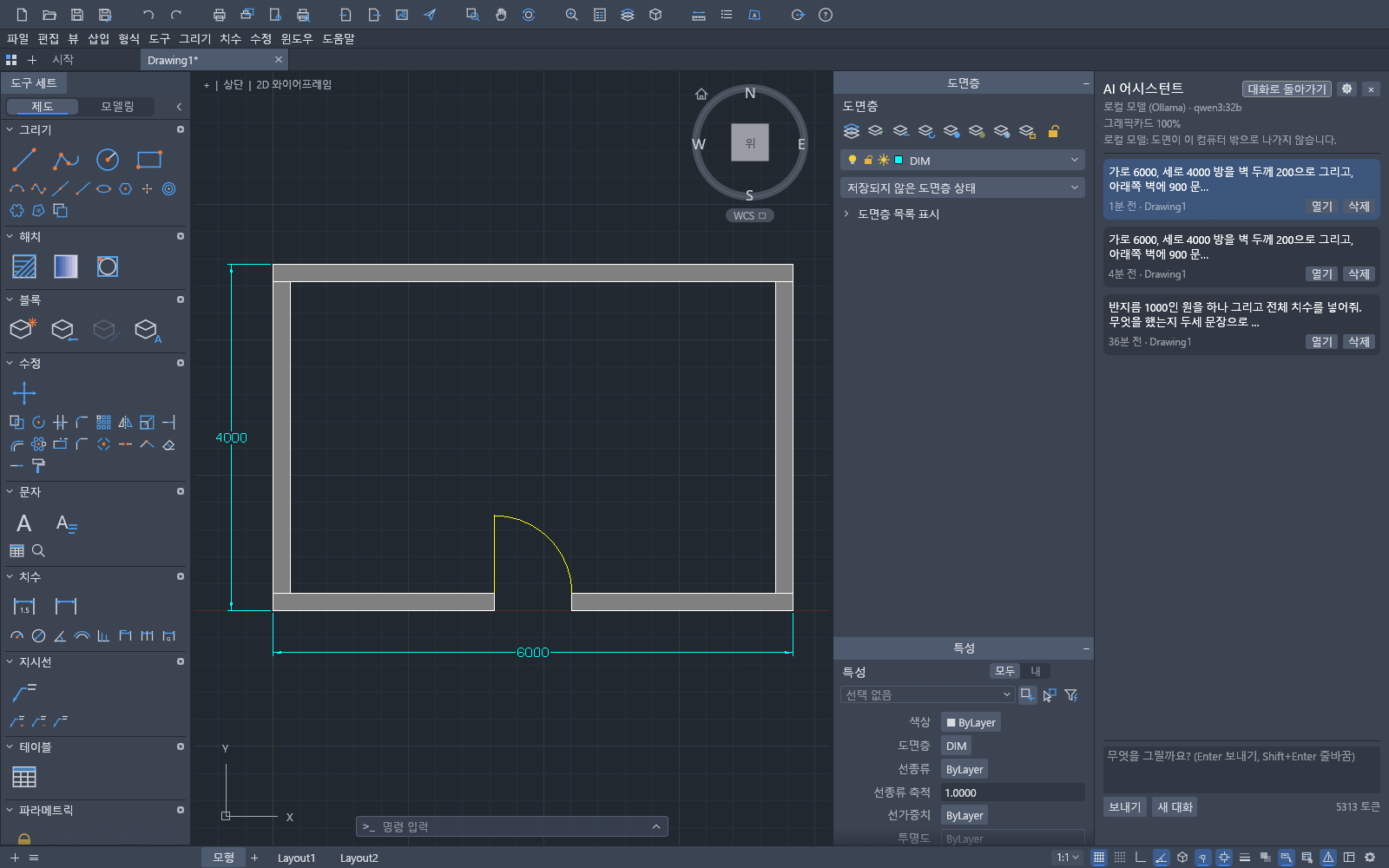
Run AI on your own computer — drawings never leave it
If you can't send company drawings to outside servers, choose a local AI. With the free program Ollama, not a single character of your drawing leaves this computer.
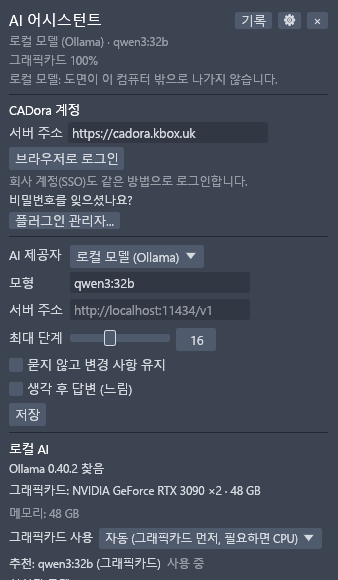
Already using Claude or Gemini? Connect it as is
If you already use Claude Code · Claude Desktop · Gemini CLI, you can call CADora as a tool from inside that app. It uses your own subscription as is, so there is no need to create a separate API key.
Try it right after install — sample drawings and plugins
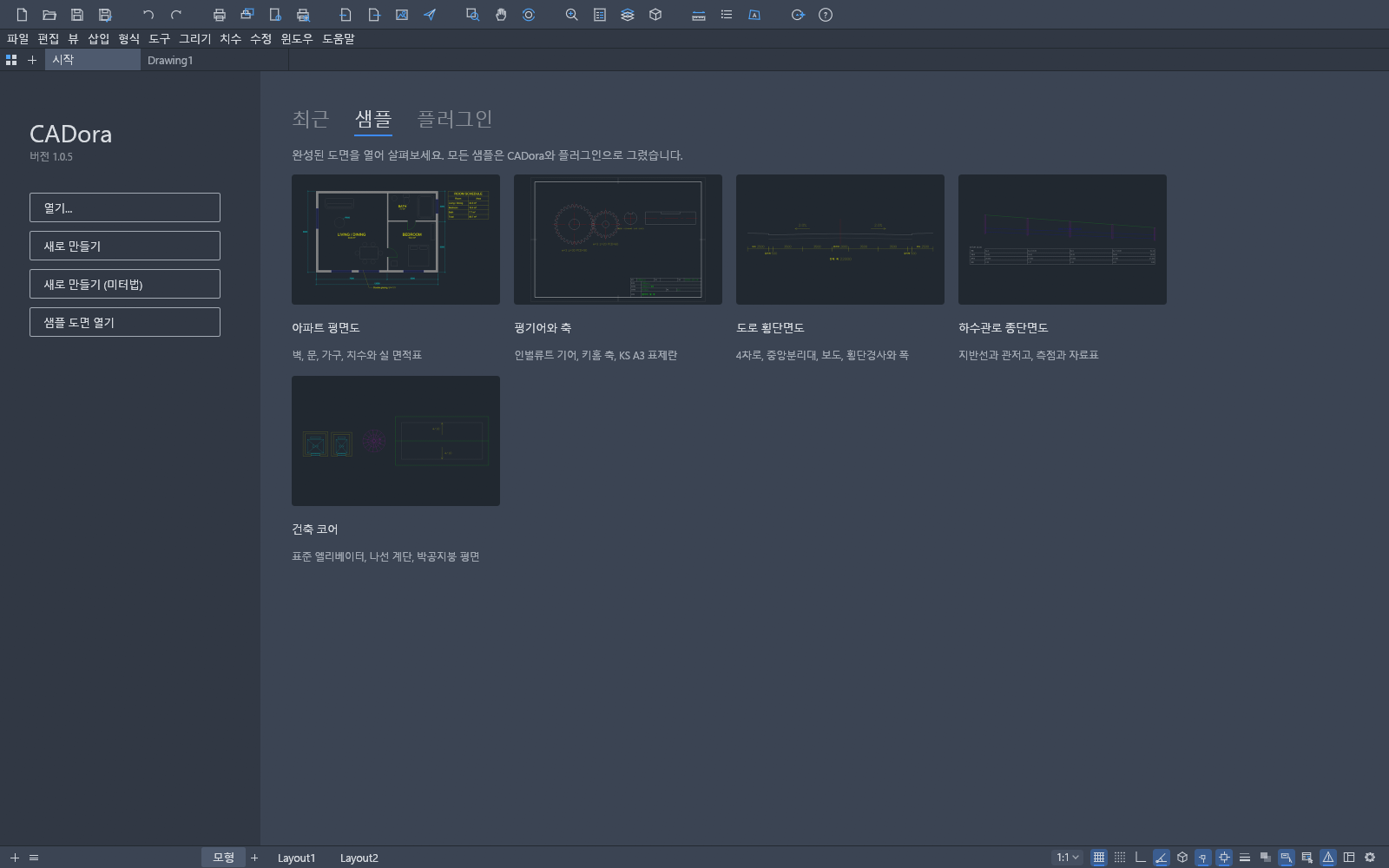
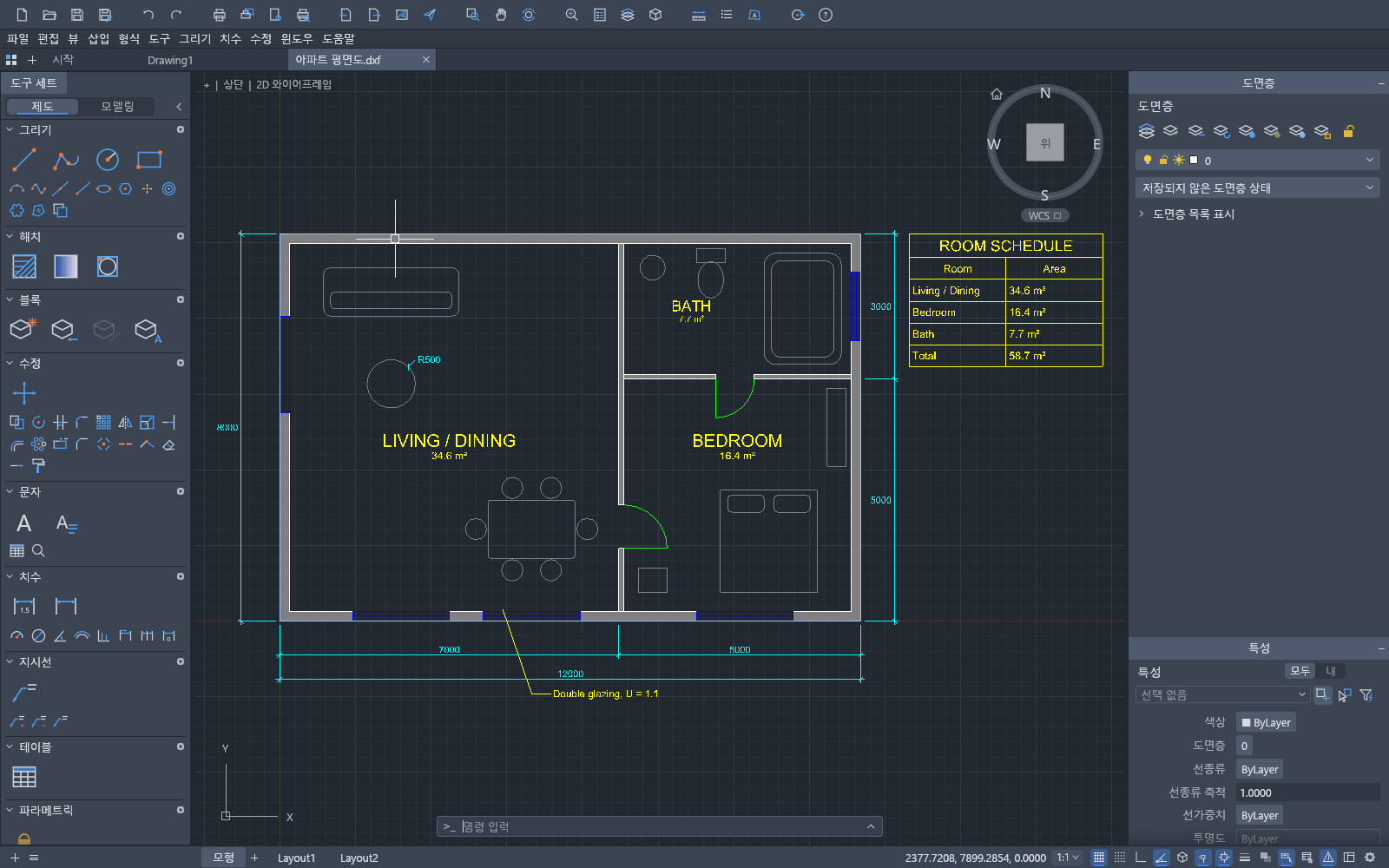
On first launch, the start screen offers 5 finished sample drawings (apartment floor plan, spur gear and shaft, road cross-section, sewer longitudinal profile, building core) that open with one click. They open even without internet.
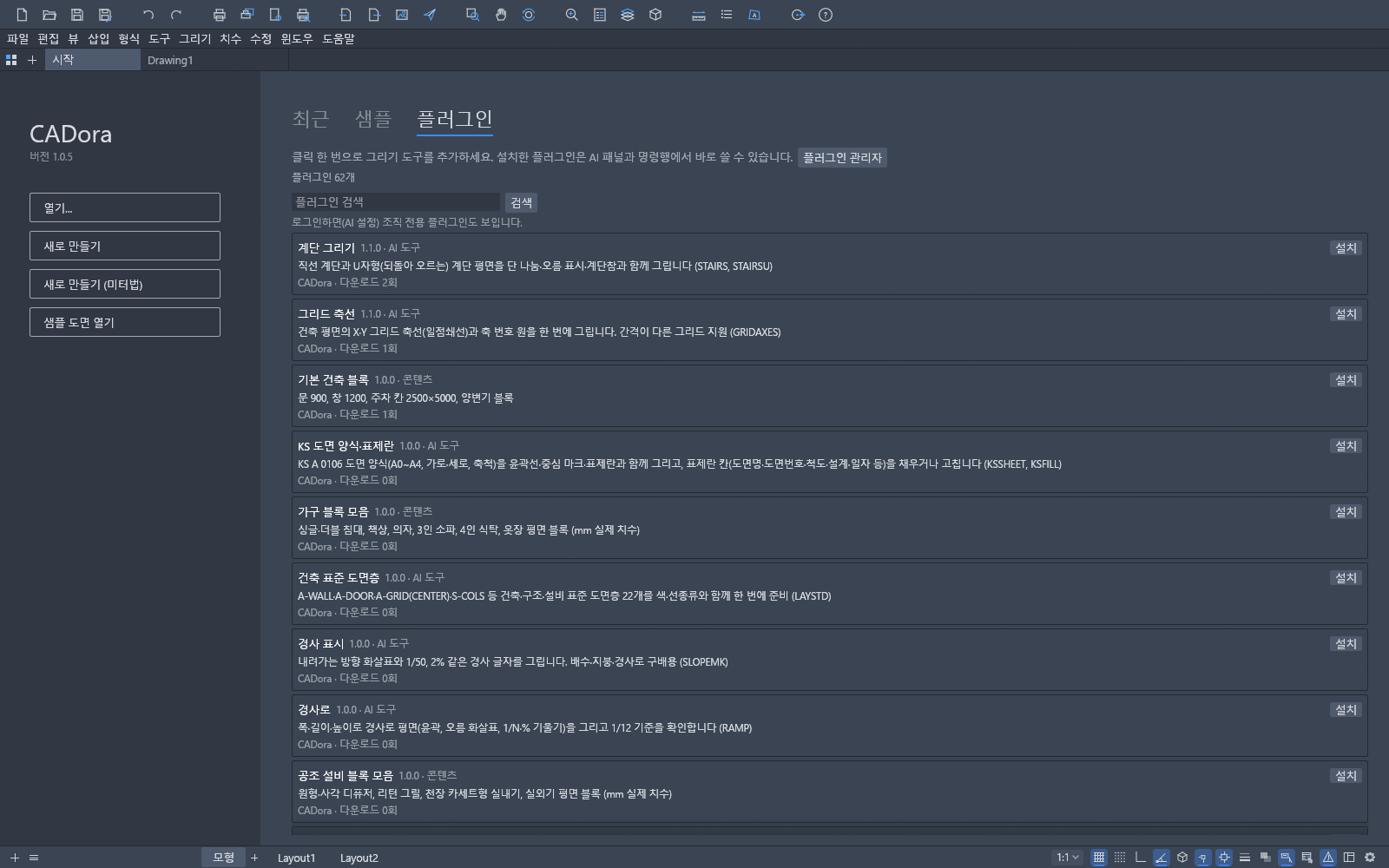
60+ plugins install with one [Install] click: stairs, grid axes, KS drawing sheets · title blocks, furniture · equipment blocks, ramps, standard architectural layers… Installed plugins are available right away in the AI panel and command line.
The CAD workflow you already know
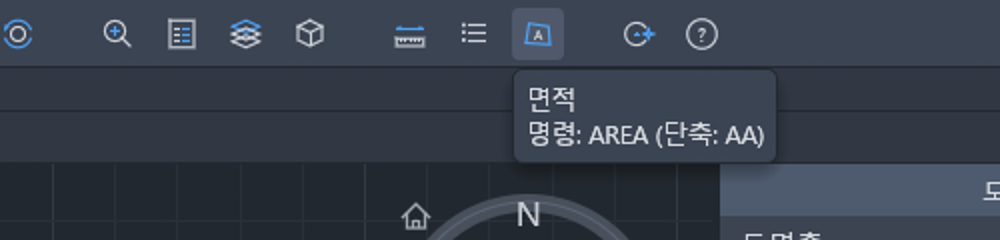
Menus, tool sets, layers, properties and the command line are all localized. No need to change the way your hands already work.
3-minute quick start
Download (free)
The buttons and links below go straight to the always-latest version on the official site cadora.kbox.uk. When a new version comes out, the same addresses still work.
CADora.exePrefer not to install? There is also a web version that opens right in your browser. Full guide: cadora.kbox.uk/#download.
# Windows (PowerShell)
Get-FileHash .\CADora-1.0.11-windows-x64-setup.exe -Algorithm SHA256
Get-FileHash .\CADora-1.0.11-windows-x64-portable.zip -Algorithm SHA256

# macOS
shasum -a 256 CADora-1.0.11-macos-arm64.dmg
shasum -a 256 CADora-1.0.11-macos-x64.dmg

# Linux
sha256sum CADora-1.0.11-linux-x86_64.tar.gz

# Expected (1.0.6)
# CADora-1.0.11-windows-x64-setup.exe
# 8b8c0a4cb23a94e8f9c2ba6dbe8f49f66701ce9870ca2327ceec965052ec12d7
#
# CADora-1.0.11-windows-x64-portable.zip
# 77c259650a62bfa3e33ef94ad618f6a500187c5f576f23cfd6a9d099e787aa7c
#
# CADora-1.0.11-macos-arm64.dmg
# c6737d376de75cbf64f221e83d0a2685eea07a5554aab21a921c8b5ff2905859
#
# CADora-1.0.11-macos-x64.dmg
# 645259b203eef2c4095aa96c99b269102e9fc530c8882ab8a5ae12a156316494
#
# CADora-1.0.11-linux-x86_64.tar.gz
# 99029e6cb12844c66711228534d9fdeeab6180f3ecc8a33c14361fd80842c48eFAQ
Is CADora AI really free?
Yes. All CAD features are free, and both individuals and companies may use it commercially. After signing up you can use CADora AI without an API key up to 50 times a month for free, and there is no limit when you connect your own API key (Claude · GPT · Gemini) or a local AI (Ollama). Cloud AI fees are paid directly to each company; local AI is completely free.
Is there a free CAD I can use instead of AutoCAD?
CADora AI is a free CAD with DWG · DXF open and save, layers · object snap · dimensions · hatches · blocks · tables · layouts · printing · PDF export, and aliases like L · C · AA. On top of that it has an AI that draws what you ask for.
Can it open AutoCAD drawings (DWG)?
It can open and save DWG 2000–2018 and DXF files. It cannot yet carry over every object perfectly, so keep the original of important drawings.
How do I draw with AI?
Open the AI assistant (Ctrl+J) and type something like "Draw a 6000 by 4000 room with 200 walls and put a 900 door in the bottom wall". The objects the AI draws are highlighted; click [Apply] if you like them or [Undo] if not.
Is it safe to send company drawings to the AI?
With a local AI (Ollama), drawings never leave your computer. With a cloud AI, your request and a drawing summary (object counts, layer names, etc.) are sent to that AI company, and the screen always says "A drawing summary is sent with the request".
Can I use local AI without a graphics card?
Yes. Without a graphics card it runs on the CPU and recommends a smaller model that suits your PC. With a graphics card it uses the GPU first and falls back to the CPU only when memory runs short or an error occurs.
Can I use CADora from Claude Code or Gemini CLI?
Yes. Register Claude Code · Claude Desktop · Gemini CLI with one button in [Tools ▸ Connect AI apps], and call CADora as a tool inside that app. It uses your own subscription, so no separate API key is needed.
Does it work on Mac or Linux?
Yes. DMGs for macOS (Apple Silicon · Intel) and an archive for Linux x86_64 are provided. There is also a web version that opens right in the browser without installing.
Can I use it without installing?
Download the Windows portable ZIP, unzip it and run CADora.exe. There is also a web version in the browser (cadora.kbox.uk/app).
Will text in drawings with Korean SHX fonts (whgtxt.shx, etc.) display?
It reads text written with Korean SHX big fonts. Put your SHX files in the %APPDATA%\CADora\Fonts folder and it draws with those fonts; otherwise it substitutes a system Korean font.
Is the "Windows protected your PC" window OK?
It appears because there is no code-signing certificate yet (signing in preparation). Click [More info] → [Run anyway]; you can first check that the downloaded file matches the original using the SHA-256 values on this page.
How do I update?
When a new version is out, a notice appears at the top of the program. The Windows installer downloads, verifies and installs it with [Update now]. The download buttons on this page also always point to the latest version.
AutoCAD and DWG are trademarks of Autodesk, Inc. CADora AI is not affiliated with Autodesk. Claude is a trademark of Anthropic, GPT of OpenAI, and Gemini of Google.