I wanted to flip through Korean channels like a remote.
So I put them all in one place.
KBOX TV gathers the live streams broadcasters publish, podcast feeds, and past programmes made public by their rights holders into a single screen. About 270 live TV channels, 81 FM radio stations and 325 podcast series. No sign-up, no ads, no tracking. Open the address and it plays.
270 ch Live TV channels national, news, local, overseas |
81 stations FM radio frequency shown with each |
180k eps Podcast episodes 325 series |
2.1k eps Past broadcast episodes 285 programmes · 64 films |
0 cost Sign-up, ads, tracking none of them |
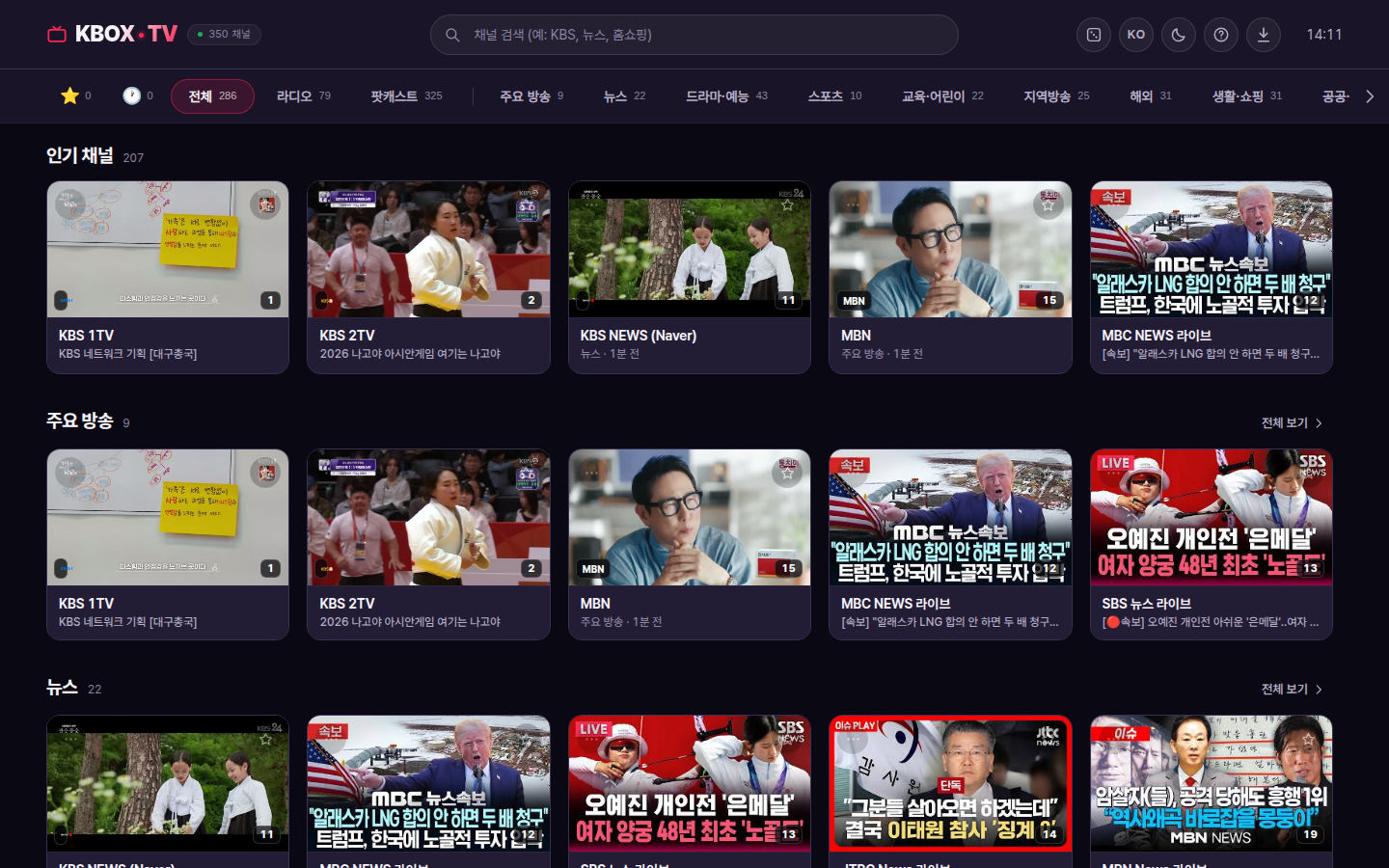
The same screen wherever you watch
The same list and the same controls on a PC, a phone, a tablet or an Android TV. If installing is a bother, just open tv.kbox.uk in a browser and everything works.
270 live TV channels
From the major broadcasters — KBS, MBC, SBS, JTBC, MBN, YTN, Yonhap News TV, EBS — through news, drama and entertainment, sport, education and children's programming, local stations (regional MBC, KNN, JIBS and more), overseas channels (KBS World, Arirang), lifestyle and shopping, public service and religious channels.
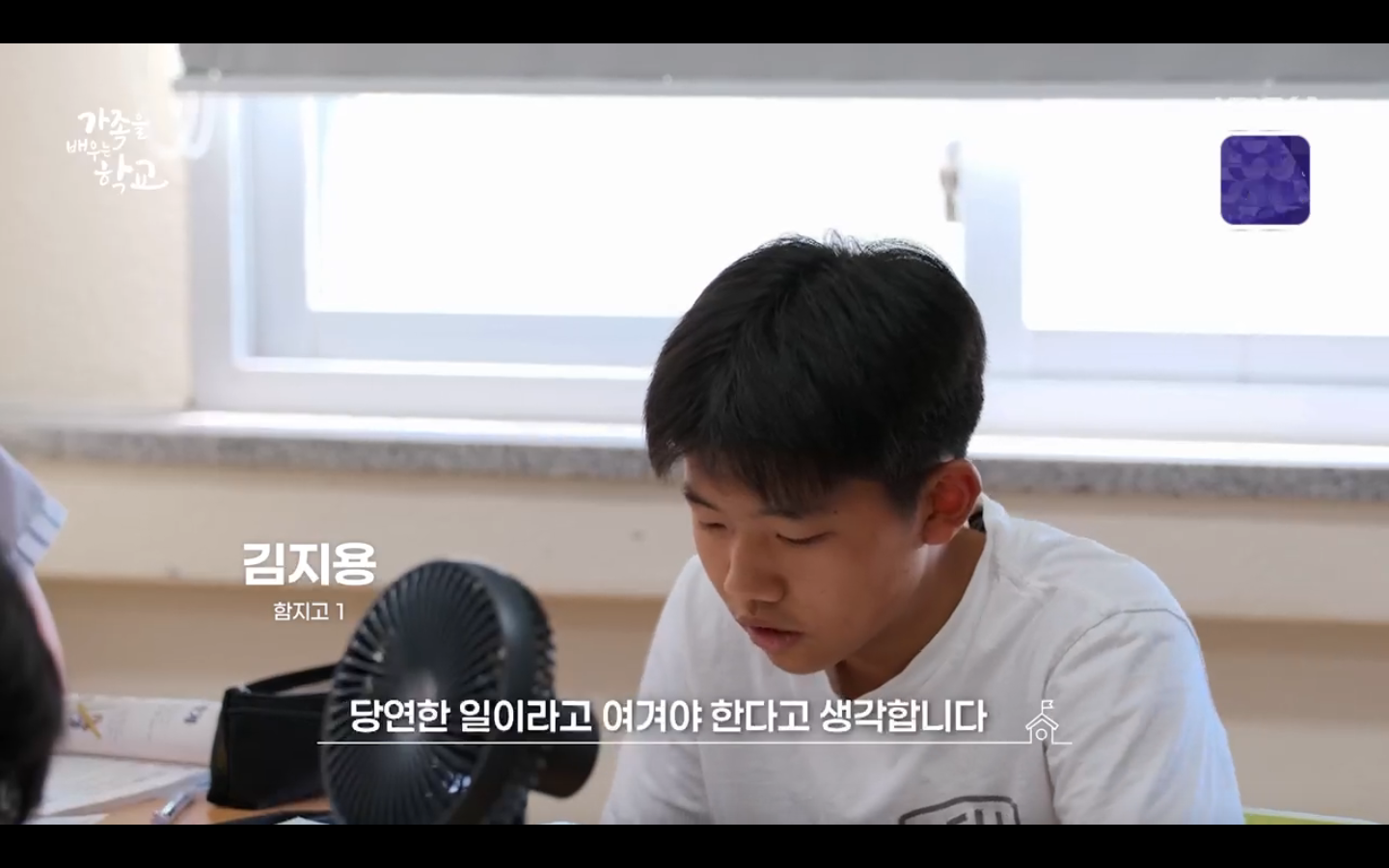
1 is KBS 1TV, 12 is MBC NEWS — press them like a remote.Past broadcasts and podcasts
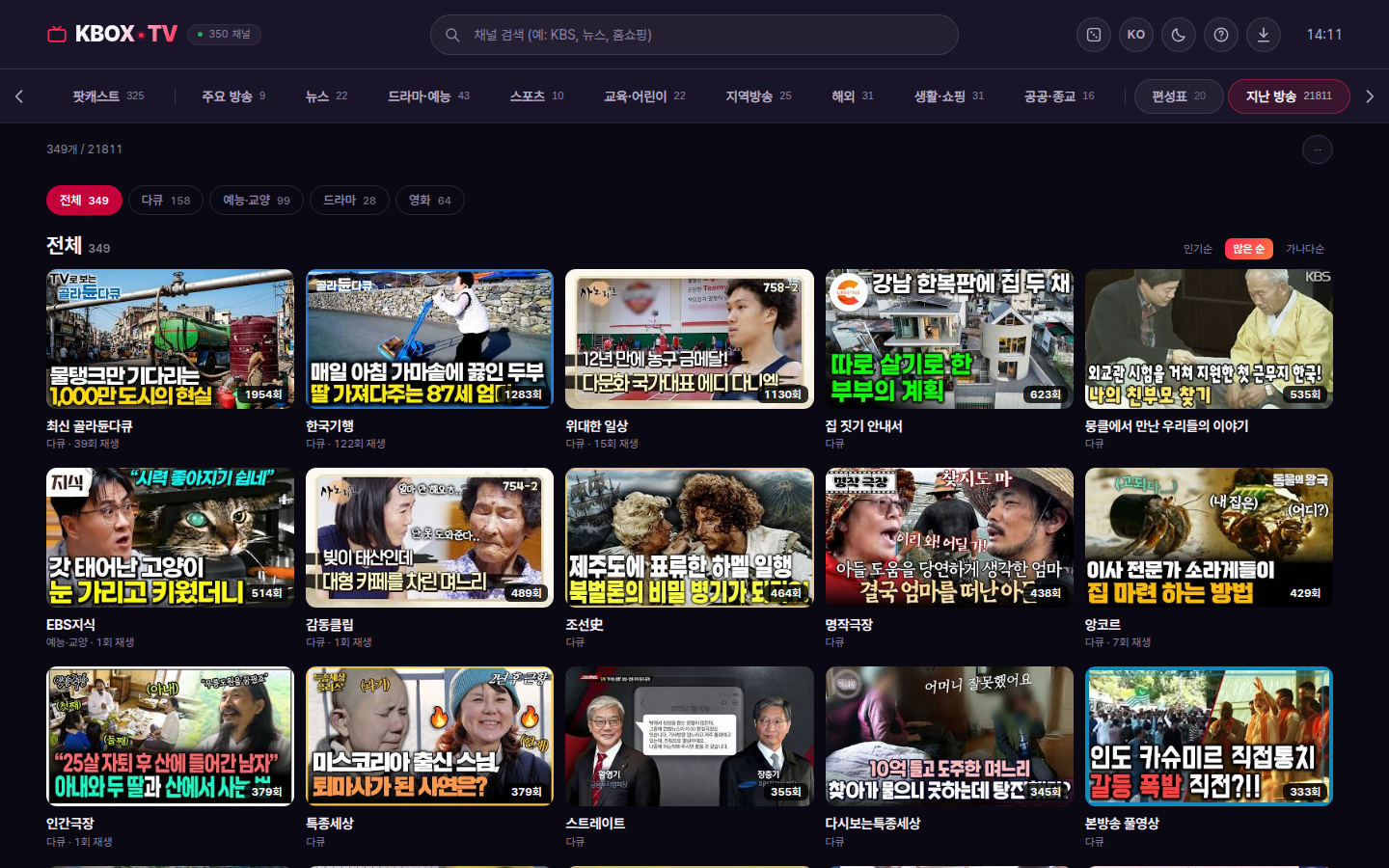
Documentaries, entertainment, culture, drama and classic films released by their rights holders: 285 programmes · 64 films · more than 21,000 episodes. Start from episode one or sort newest first, search by episode number or title, and pick up where you left off. Podcasts run to 325 series and 180,000 episodes, with the next episode following on automatically.
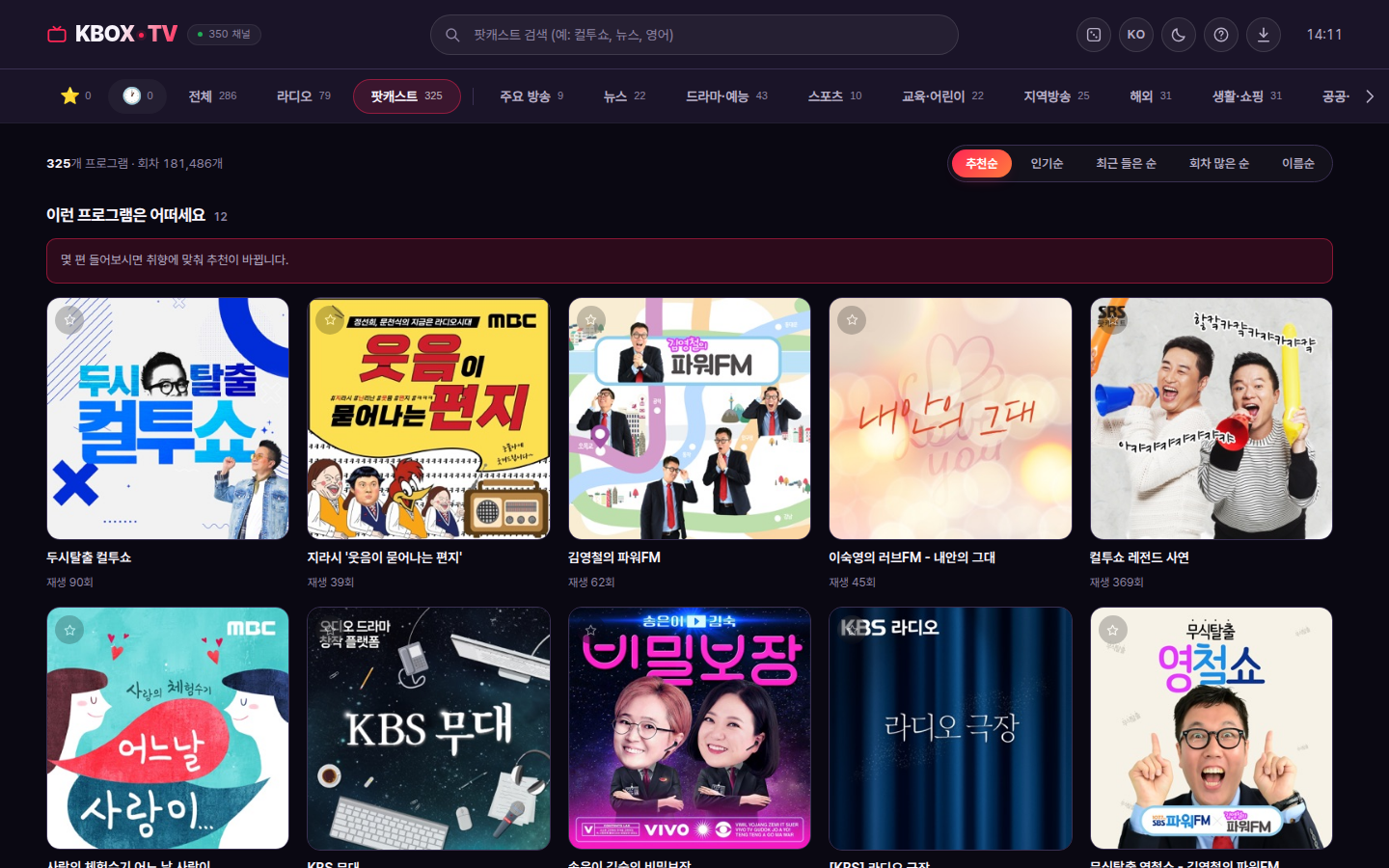
Schedule and reminders
See today's and tomorrow's schedule for the major channels, and set a reminder on anything you want to catch. It tells you when the programme starts even with the app closed.
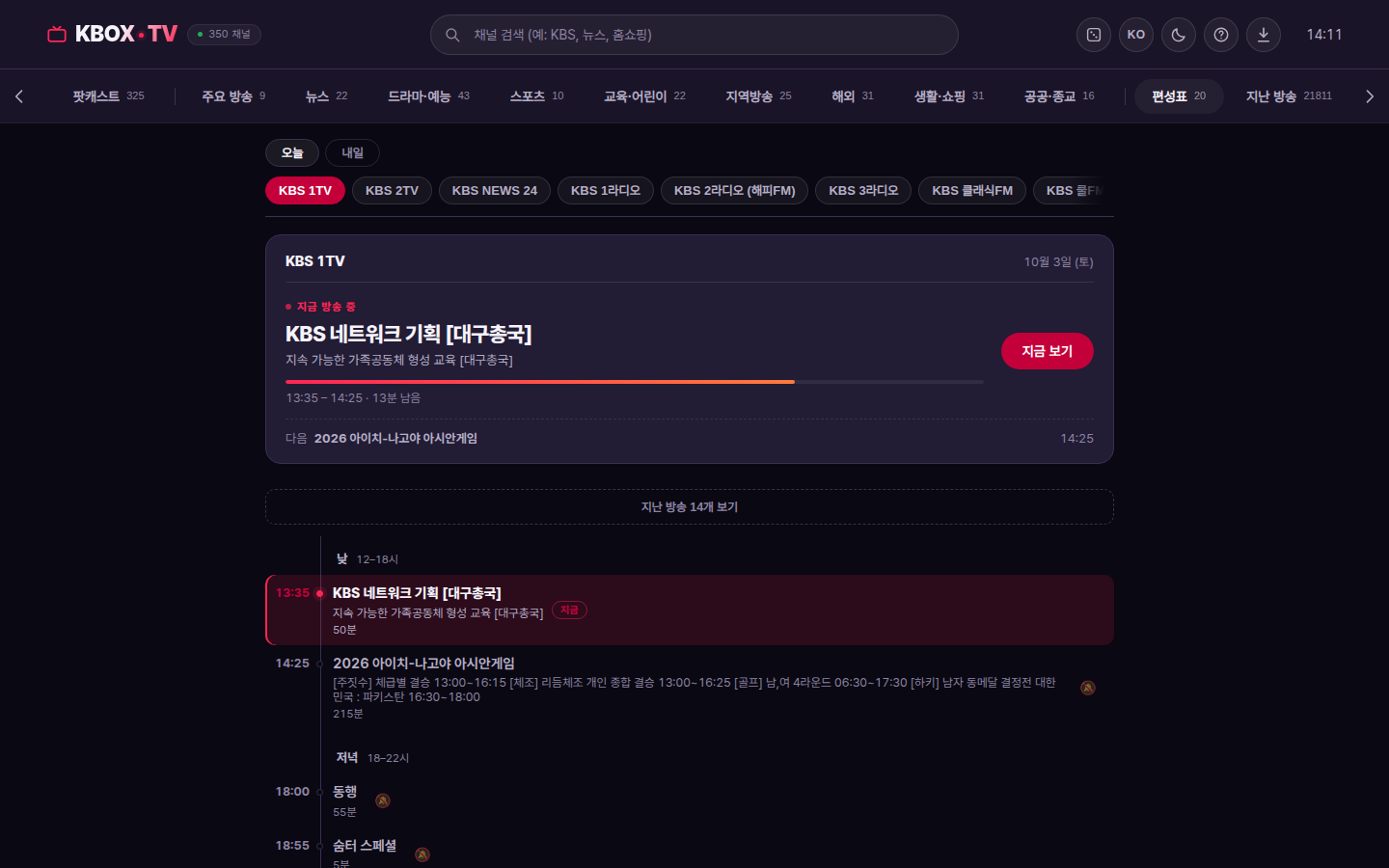
This is how it looks on a phone
Built separately for the portrait screen. Tap a card and it plays; on the video, swipe left or right to change channel, pull down for the small window, push up for full screen.
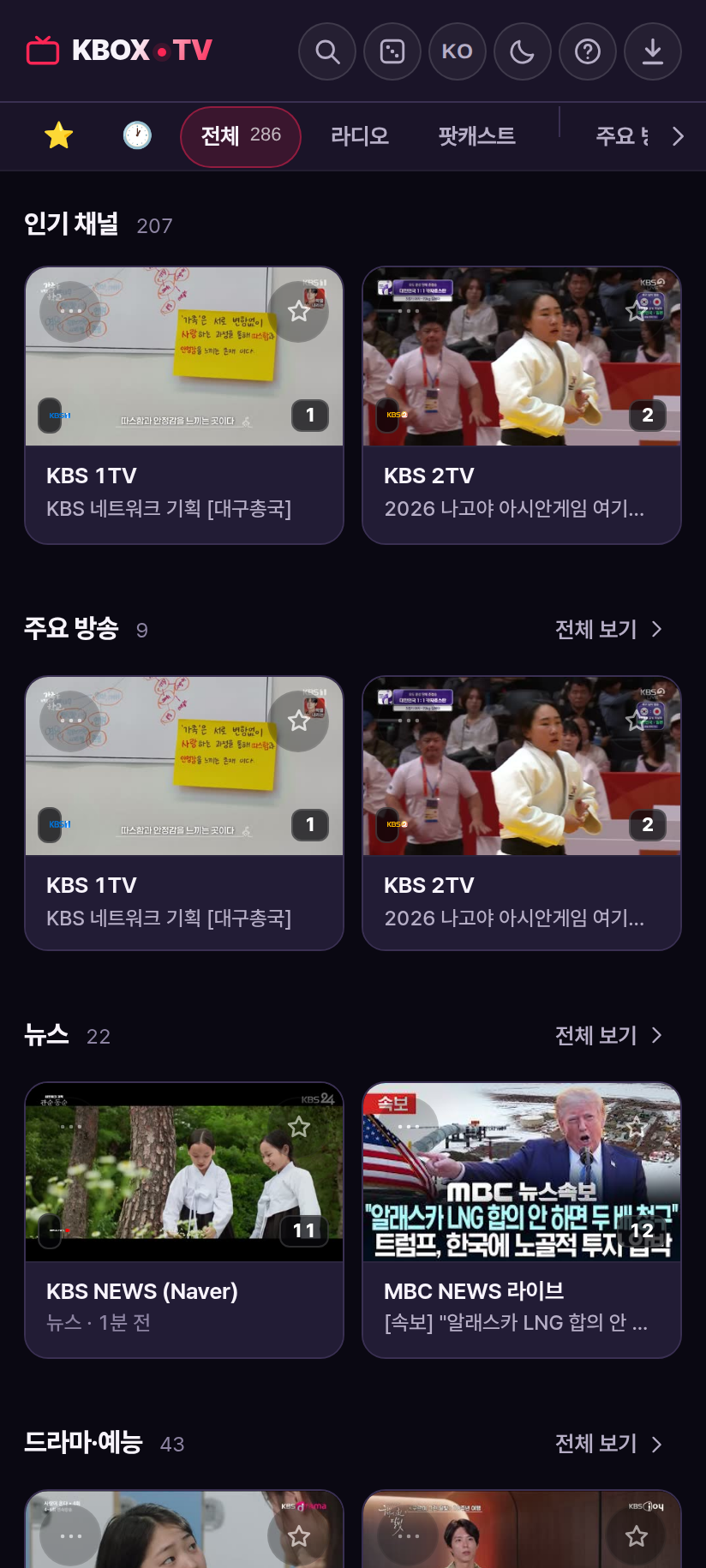
a favourites row appears once you have three
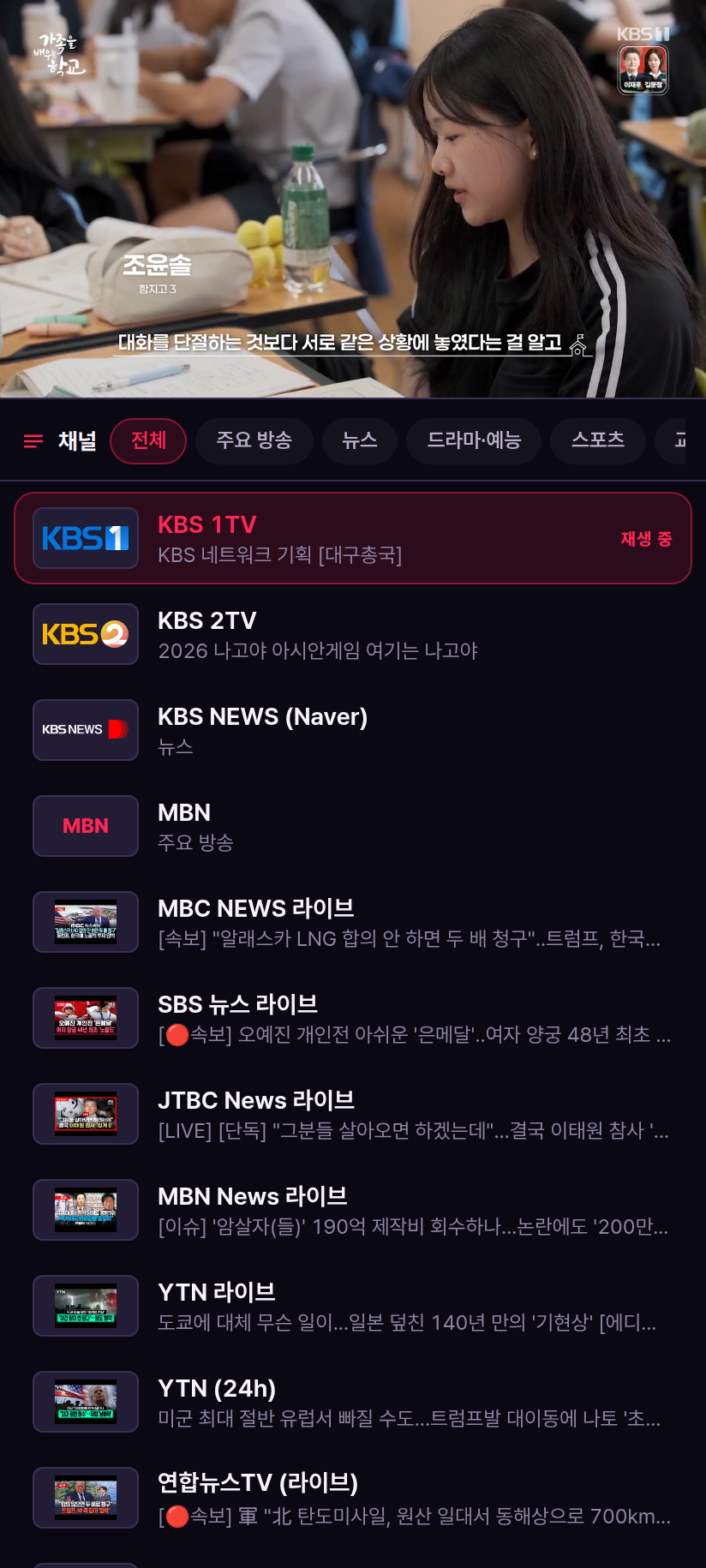
pick the next channel below while you watch
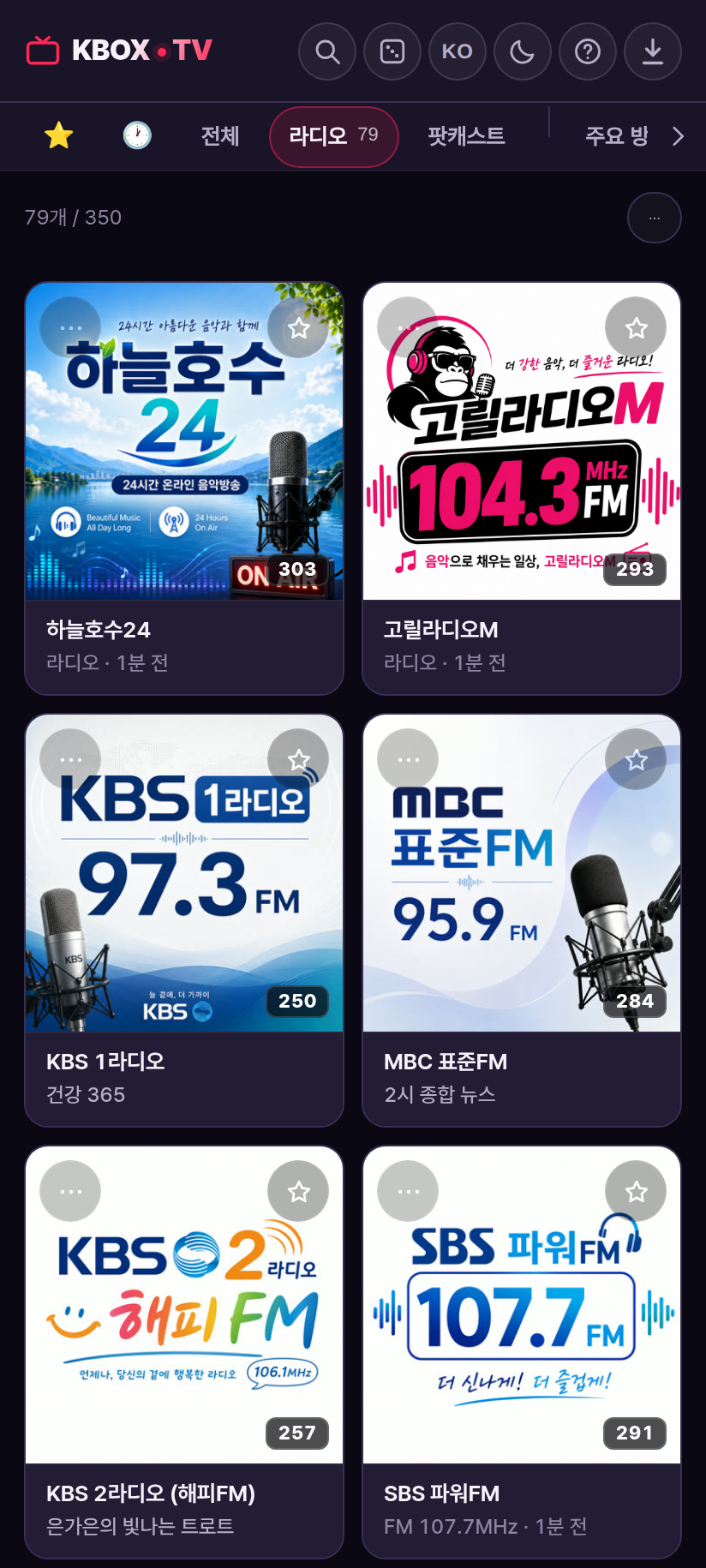
with the frequency. Keeps playing with the screen off
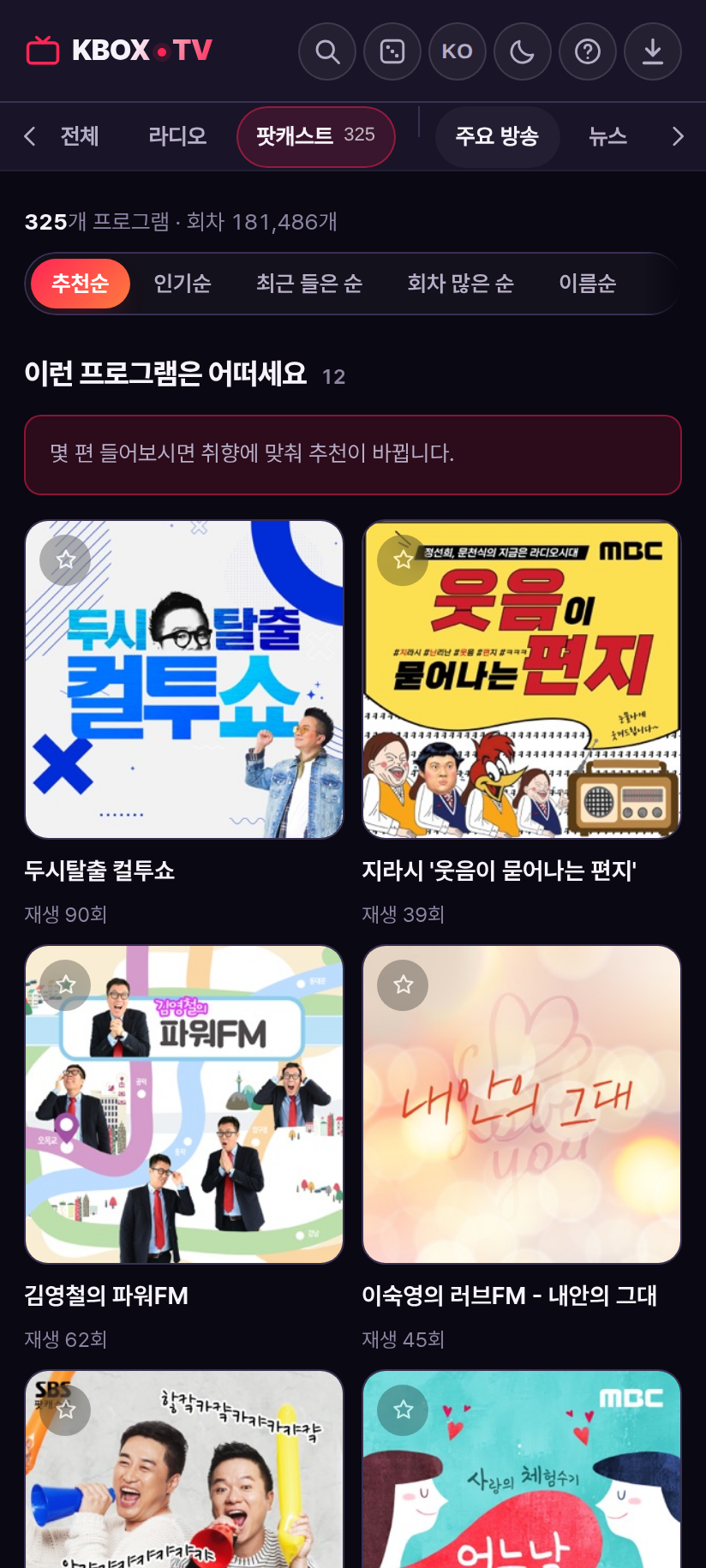
resume where you stopped
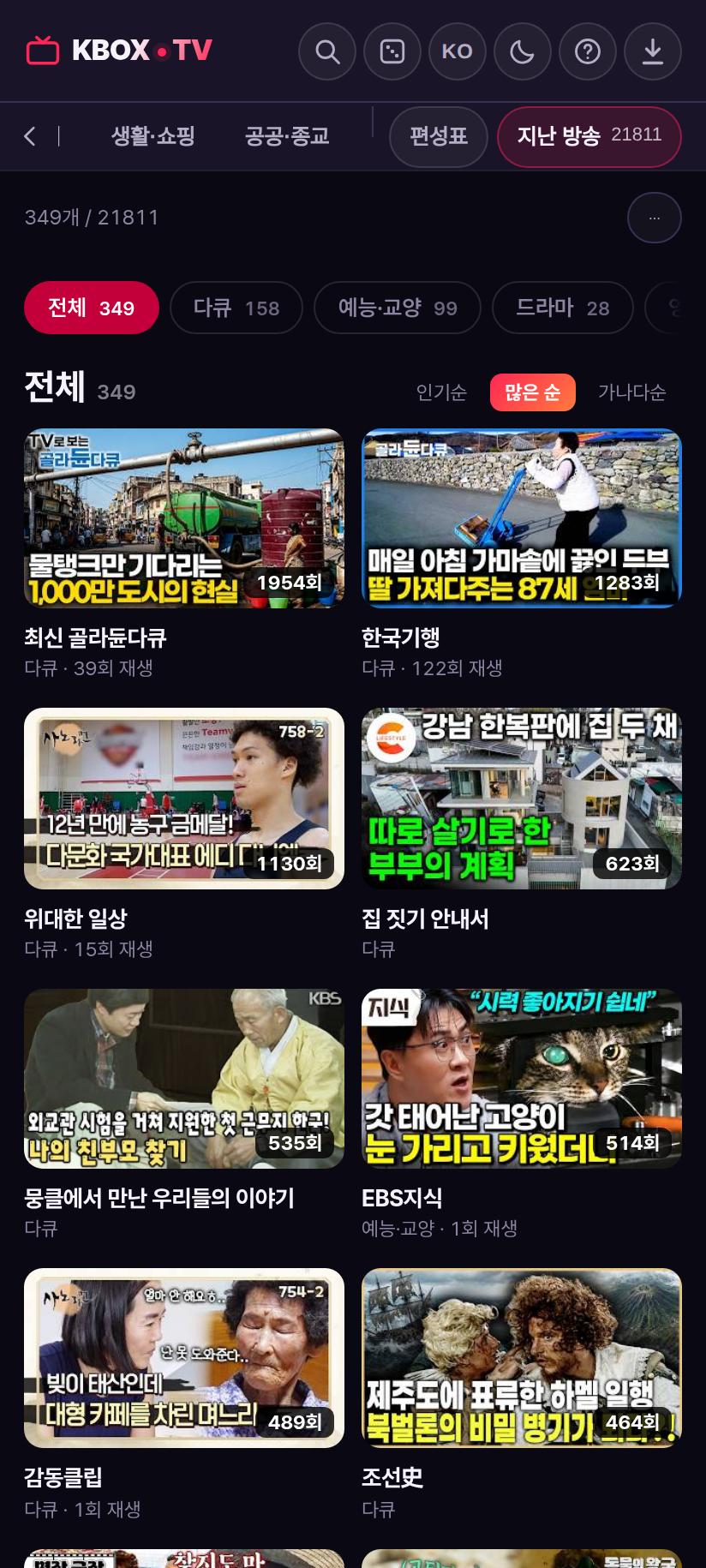
one episode ends and the next follows
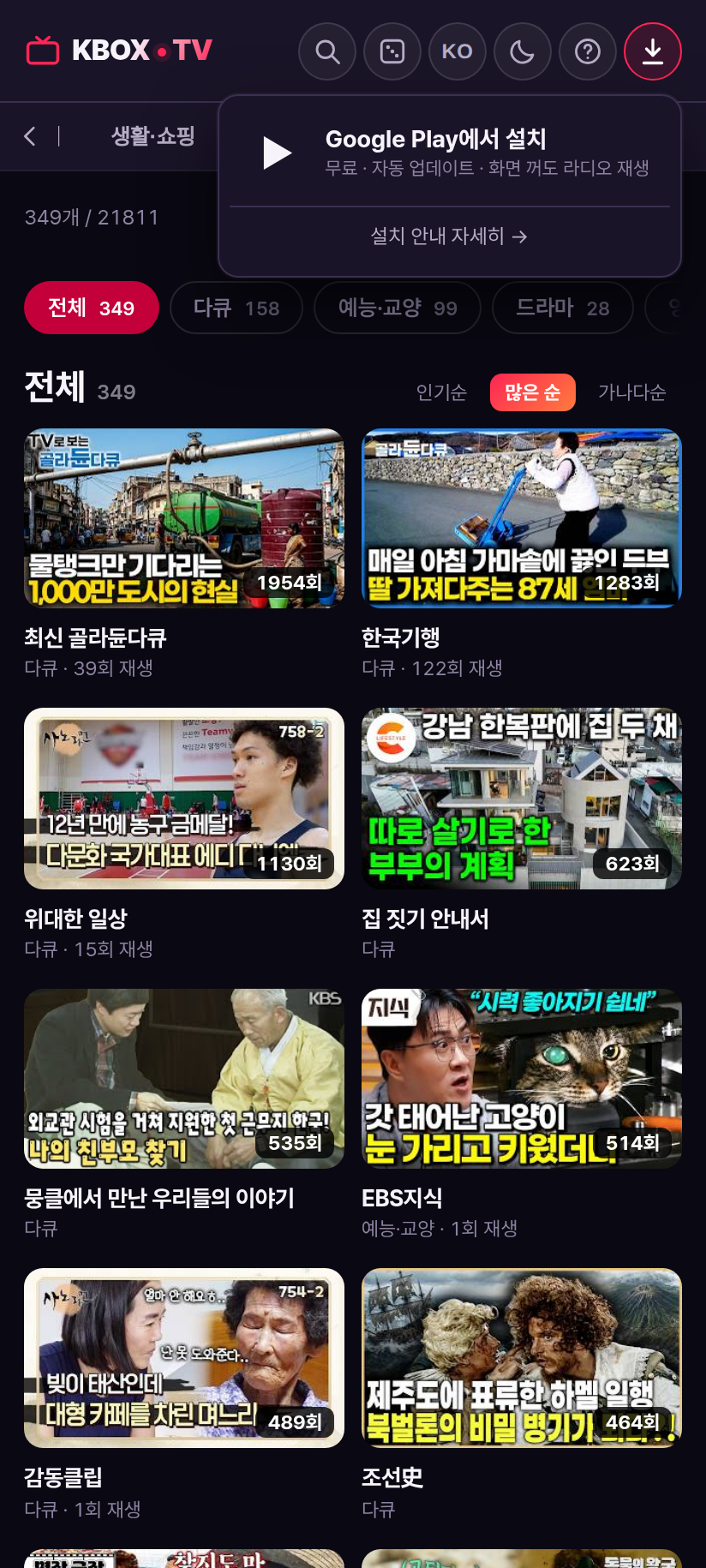
the menu takes you straight to Google Play
Controls
On the video, swipe left/right → previous / next channel
pull down → small window (keep watching while you browse)
push up → full screen
On a card: ★ favourite · ⋯ hide channel
1~ number keys jump to a channel← → previous / next channelF full screen · M mute · P small window (PiP)T sleep timer · G random channelS or / search
17 languages
Korean, English, Japanese, Chinese (simplified and traditional), Vietnamese, Thai, Indonesian, Spanish, Portuguese, French, German, Russian, Hindi, Malay, Tagalog and Turkish. It works just as well for someone abroad looking for Korean television, or for a friend learning the language.
Why I built it
There are plenty of public streams, but they are scattered. You hop between sites to watch one channel, an address that worked yesterday is dead today, and the app you finally find shows you an advert first.
So the goal was simple: flip channels with a single number, like a remote. Instead of someone hunting down dead channels by hand, the server checks every five minutes. There is no sign-up. There are no ads. Favourites, watch history and resume points live on your device only, not on a server.
Installing
| Android phone / tablet | Google Play — installs with no warning dialog and updates itself |
| Windows 10 / 11 | Run the installer in the download section above (about 1.9MB, 64-bit). Once installed, the app checks for new versions and updates itself |
| Android TV · Google TV | Install the APK on devices without the Play Store (Android 5.0 or later) |
| Without installing | Open tv.kbox.uk in a browser — every feature works the same |
Notes
- No video is stored or redistributed. It only links to the addresses broadcasters publish.
- Only the access logs needed to run the service (IP, region, device, referrer) are kept. No names or contact details are collected. Privacy policy
- Channel requests and bug reports are always welcome.
Frequently asked questions
Is KBOX TV free?
Yes, entirely. There is no sign-up, no login and no advertising. Favourites and watch history are stored on your own device, not on a server.
Do I have to install the app?
No. Open tv.kbox.uk in a browser and live TV, radio, podcasts and past broadcasts all work. The app adds a few things: it keeps playing in a small window when you press home, the radio continues with the screen off, and you can get a reminder when a programme starts.
Which channels can I watch?
About 270 channels: major broadcasters such as KBS, MBC, SBS, JTBC, MBN, YTN, Yonhap News TV and EBS, plus news, drama and entertainment, sport, education and children's channels, local stations (regional MBC, KNN, JIBS), overseas channels (KBS World, Arirang), lifestyle and shopping, public service and religious channels.
Does it work outside Korea?
Mostly, yes — it links straight to the streams broadcasters publish. Some channels may be region-restricted by the broadcaster itself. The interface is available in 17 languages.
Can I listen to the radio while doing something else?
Yes. It keeps playing from the bar at the bottom when you move to another screen, and in the Android app it continues with the screen off. On a PC, press P to float it in a small window (PiP).
A channel will not play.
The server checks every channel every five minutes, drops the dead ones and puts them back when they return. If a stream dies mid-playback it moves to the next channel automatically. If a channel stays broken, please let me know.
Does it work on Android TV?
Yes. Devices with the Play Store install from Google Play; the others install the APK. Android 5.0 or later is enough.
Windows shows a warning when I install it.
That is the "Windows protected your PC" notice, which appears because there is no code-signing certificate yet. Click "More info" → "Run anyway" and the installation continues. After the first install, the app checks for and applies new versions on its own.